

7 min read
How to Get Google Reviews: A Simple, Policy-Safe Workflow
 Written byThomas FitzgeraldFounder, Your Digital Team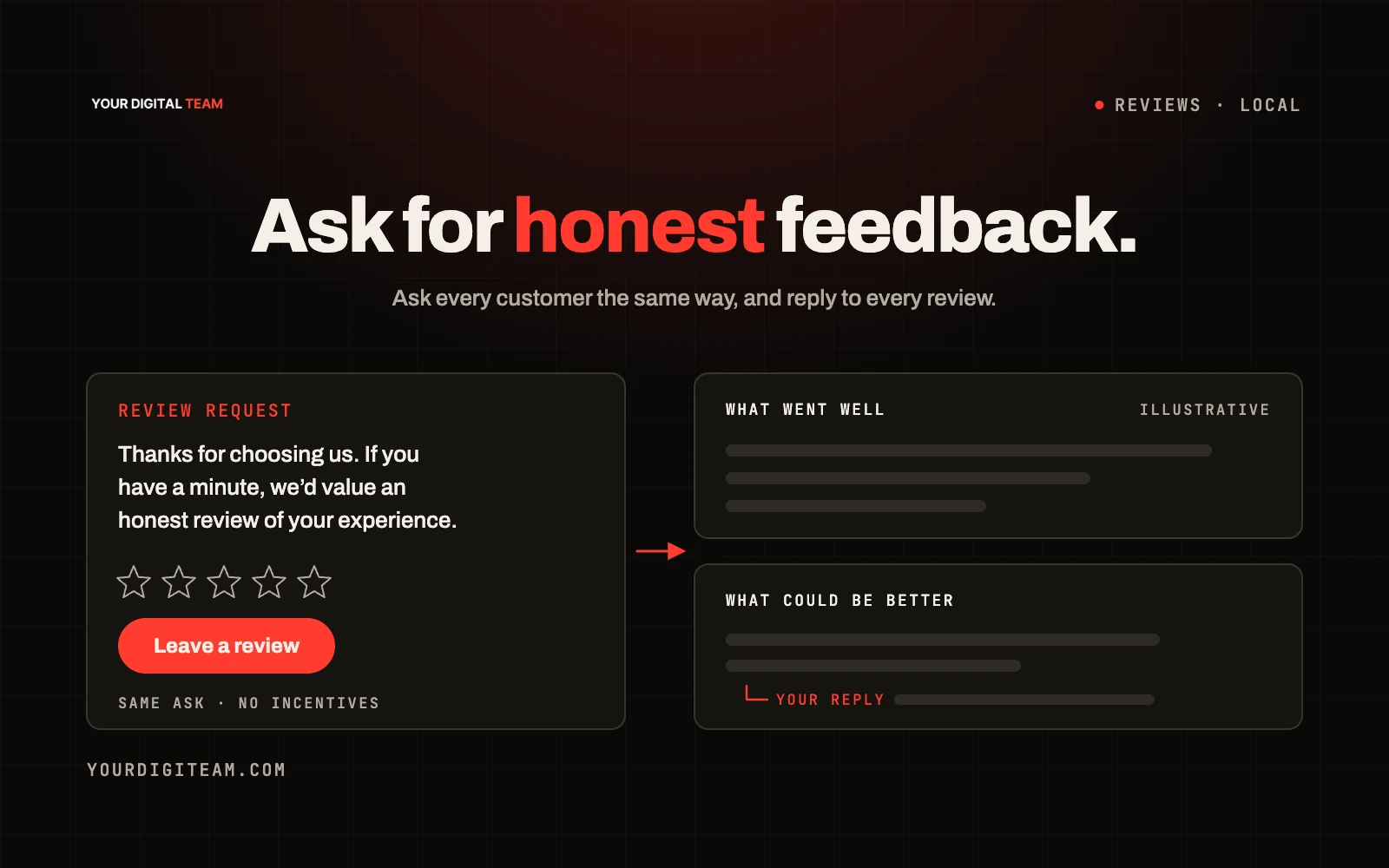
SearchPublished 8 Oct 2026
The most reliable way to get more Google reviews is to ask every customer, in the same way, shortly after you've finished the job or they've received their order, using a direct link to your review form. Keep the request short, make it easy on a phone, and ask everyone, not just the customers you think are happy. Don't offer anything in return for a review. Google prohibits incentivised and fake reviews. UK consumer law also bans fake reviews and concealed incentivised reviews; the legal rules and Google's platform policy are not identical.
This guide sets out a practical workflow: how to get your review link and QR code, when and how to ask, message templates, how to reply to reviews, and what to avoid.
For the setup of your profile itself, see our Google Business Profile setup guide. For how reviews fit alongside other ranking factors, see what affects local SEO rankings.
Why reviews matter
Reviews help in two ways. They influence whether people choose you, because potential customers read them before getting in touch. And Google says reviews form part of how it assesses prominence in local results: in its tips to improve your local ranking, it notes that more reviews and positive ratings can help your local ranking.
What the rules say
Google's policy
Google's Maps policy on prohibited and restricted content says contributions should reflect a genuine experience. Among other things, it prohibits businesses from:
- Offering incentives, such as payment, discounts or free goods or services, in exchange for posting a review, or for changing or removing a negative review
- Discouraging or prohibiting negative reviews
- Selectively asking only for positive reviews
It also treats reviews based on a conflict of interest, such as those from employees, as a problem.
UK consumer law
The Digital Markets, Competition and Consumers Act 2024 banned fake reviews and certain related practices in the UK. The Competition and Markets Authority's fake reviews guidance (CMA208) explains what businesses must not do, including commissioning fake reviews and concealing incentives. This article isn't legal advice, but the practical message is simple: only real customers, reviewing real experiences, without being paid or rewarded.
What that means in practice
- ✅ Ask every customer
- ✅ Make it easy with a direct link or QR code
- ✅ Reply to all reviews, positive and negative
- ❌ No discounts, prize draws or freebies for reviews
- ❌ No asking only happy customers
- ❌ No pre-screening survey that sends happy people to Google and unhappy people elsewhere
- ❌ No reviews from staff, family or friends
- ❌ No writing reviews for customers
Step 1: Get your review link and QR code
Google provides a direct link and QR code that take customers straight to your review form. According to Google's help page on creating a link or QR code to request reviews, you find them from your Business Profile via the "Read reviews" and "Get more reviews" options, and at the time of writing the QR code can only be generated on a computer browser, not on mobile.
Once you have them:
- Save the link on your phone for quick sending
- Add the QR code to invoices, receipts or a small card
- Test both on a phone before you rely on them
Step 2: Choose the right moment
Ask when the experience is complete and fresh:
- Trades and home services: the same day the job is finished, once the customer has seen the result
- Shops and online orders: a few days after delivery, so they've had time to use the product
- Appointments and services: straight after the appointment or later that day
- Longer projects: at the handover or sign-off point
Step 3: Ask everyone, the same way
Consistency is what builds a steady flow. Make asking part of your routine rather than something you do when you remember.
A simple routine:
- Finish the job or complete the order
- Mention it in person if you can: "We rely on reviews — I'll send you a link, it only takes a minute."
- Send the link the same day
- Send one polite reminder a few days later if they haven't left one
- Stop there
Message templates
These are original templates. Adapt them to your own voice.
Text message after a job
Hi [Name], thanks for choosing [Business] today. If you've got a minute, we'd really appreciate a review on Google — it helps other people find us: [link]. Thanks, [Your name]
Email after an order
Subject: How did we do?
Hi [Name],
Thanks for your order with [Business]. We'd be grateful if you could share your experience on Google. Good or bad, honest feedback helps us and helps other customers decide.
[Leave a review]
Thanks, [Your name]
One polite reminder
Hi [Name], just a quick reminder in case you missed it. Here's the link if you'd like to leave a review: [link]. No worries if not. Thanks again.
Notice what these don't do: they don't ask for five stars, don't offer anything and don't suggest the customer only reviews if they're happy.
Step 4: Reply to every review
Replying shows customers you care and shows potential customers how you handle problems. Google explains how replies work in its guide to managing customer reviews.
Positive review: thank them, mention something specific, keep it short.
Thanks, Sarah. Glad the new radiators are keeping the house warm. It was a pleasure working with you.
Negative review: stay calm, don't argue in public, acknowledge the issue and offer to sort it out.
Thanks for the feedback, Mark. I'm sorry the start date slipped. That's not the service we aim for. I'll call you tomorrow to put it right.
Don't include customers' personal details in replies.
What to do about unfair or fake reviews
If a review breaks Google's policies, for example it's fake, off-topic or abusive, you can report it for review by Google. Don't offer incentives to have a negative review removed; that's prohibited. For genuine complaints, a calm reply and a real fix often do more for your reputation than the review itself.
Keeping it going
- Put the review request in your job-completion checklist
- Add the QR code to paperwork
- Track how many requests you send and how many reviews arrive each month
- Review what customers say, and fix recurring complaints
Our article on the Google Business Profile and local SEO covers how reviews fit into your wider local presence.
Frequently asked questions
Can I offer a discount for a Google review? No. Google's policy prohibits incentives in exchange for reviews, even if you disclose the incentive. UK law also addresses fake reviews and concealed incentives.
Can I ask only happy customers for reviews? No. Selectively asking for positive reviews is against Google's policy. Ask everyone.
Can staff or family leave reviews? They shouldn't. Google treats conflict-of-interest reviews as a policy problem.
How many reviews do I need? There's no magic number. A steady flow of recent, genuine reviews matters more than a one-off burst.
Should I reply to every review? Yes, where practical. It shows you're active and helps potential customers see how you deal with issues.
Want help with your local presence?
We help small businesses set up review systems and improve their local visibility as part of our SEO service. Get in touch for an honest review of your Business Profile.
Sources
- Google Business Profile Help — Create a Google link or QR code to request reviews
- Google Maps — Prohibited and restricted content (user contributed content policy)
- Google Business Profile Help — Manage customer reviews
- Competition and Markets Authority — Fake reviews guidance (CMA208)