7 min read
How to Write a Website Brief: A Practical Template for Small Businesses
 Written byThomas FitzgeraldFounder, Your Digital Team
WebsitesPublished 26 Sep 2026
A website brief is a short document that tells a designer or developer what your site needs to achieve, who it is for, what goes on it and how you will judge whether it is finished. A good one fits on a few pages, answers questions before they are asked, and gives both sides something concrete to agree on before any money changes hands.
This guide explains what to put in a brief, why each part matters, and gives you a fill-in template you can copy straight into a document.
Why a brief is worth an afternoon of your time
A website project can go wrong when the business and the builder have different pictures in their heads and nobody writes either picture down.
A brief fixes that in three ways:
- Quotes become comparable. If three suppliers quote from the same brief, you can compare like with like. Without one, each quote is a guess at a different project.
- Scope creep has a reference point. When a new request appears halfway through, you can check whether it was in the brief. If it was not, it is a change, and changes can be priced openly.
- "Finished" has a definition. Acceptance criteria turn a vague sign-off into a checklist.
If you are still working out budget, our guide to how much a website costs in the UK covers pricing. This article is about the document you send before anyone quotes.
What a good brief contains
1. The business in two paragraphs
What you do, who you do it for, where you work and what makes you different. Write it as you would explain it to a new member of staff, not as marketing copy.
2. The goal of the website
Pick one primary goal and no more than two secondary goals. "Look professional" is not a goal. These are:
- Get more quote requests for kitchen fitting in a defined service area
- Take bookings for classes without phone calls
- Sell a product range online with delivery across the UK
3. Who the visitors are
Describe two or three types of visitor, what they are trying to do, and what they worry about. A homeowner comparing roofers worries about cowboys and hidden costs. A procurement manager worries about accreditations and paperwork. Those worries shape the content.
4. Pages and content
List the pages you expect, and for each one say who is supplying the words, photos and video. Content is the part most briefs skip and the part that most often delays a launch.
5. Features and integrations
Contact forms, booking systems, online payments, newsletter sign-up, live chat, links to your CRM or accounting software. Say which are essential and which are nice to have.
6. Search and accessibility basics
You do not need to be an expert, but say that you expect pages to be structured so search engines can understand them and that the site should be usable by people with disabilities. The Web Content Accessibility Guidelines (WCAG) are the recognised reference; asking for conformance with a stated level gives the builder a measurable target.
7. Ownership and access
This is the section people regret leaving out. State plainly that:
- The domain name is registered in your business's name, with you as the registrant
- You will have admin access to the website platform, hosting and analytics
- Ownership and permitted use of content, photos, code and design files are agreed in writing, including any copyright transfer and third-party licences
- The supplier will hand over logins and documentation at the end
8. Budget and timeline
A budget range saves everyone time. A fixed launch date matters only if something depends on it, such as a trade show or a seasonal peak. If there is no hard deadline, say so.
9. Acceptance criteria
How you will decide the site is ready to launch. Examples are in the template below.
10. What happens after launch
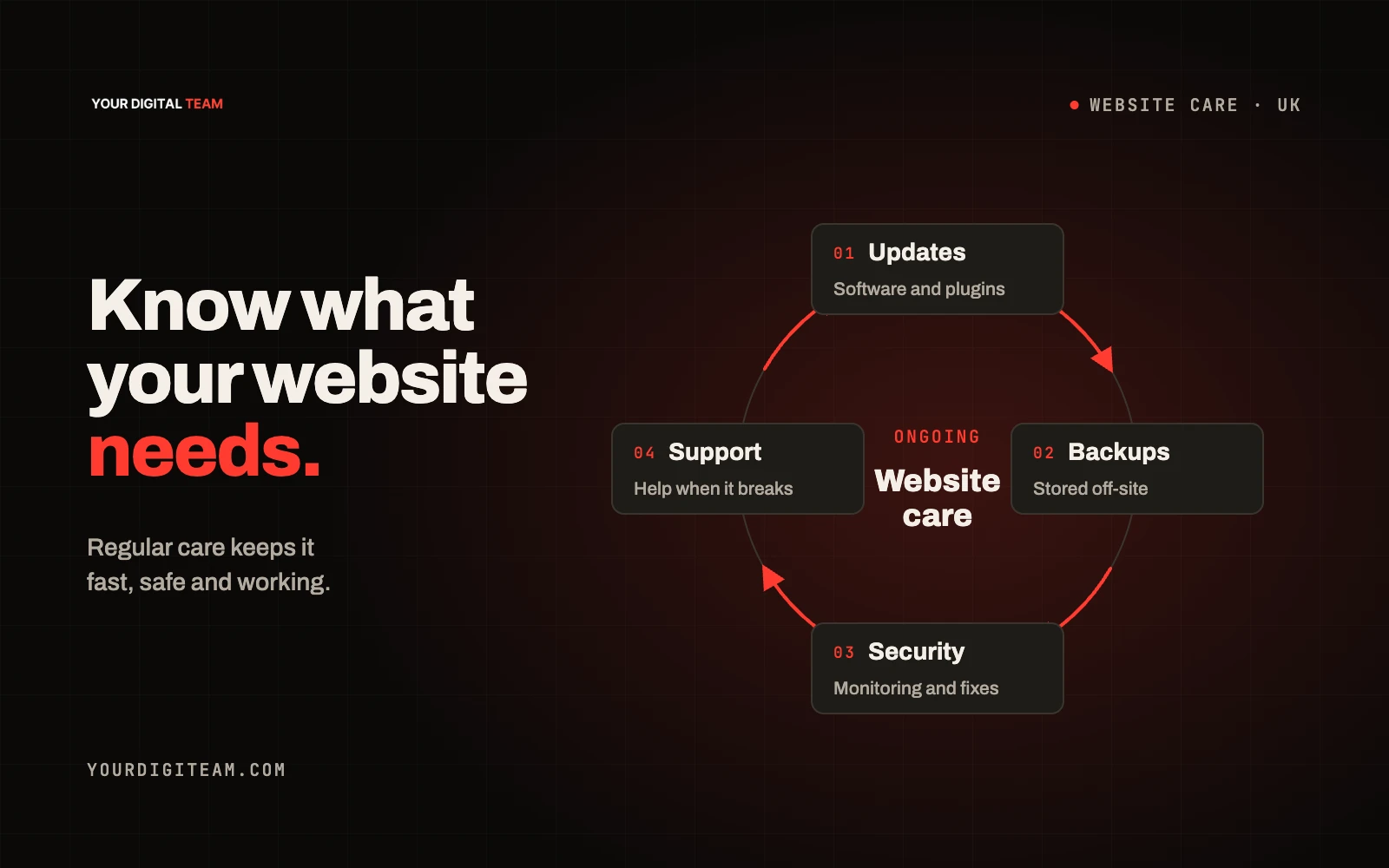
Who updates content, who handles security updates and backups, and whether you want ongoing support. Deciding this now avoids an awkward conversation later.
The fill-in template
Copy this into a document and replace the prompts in italics with your own answers. Delete anything that does not apply.
Website brief — [Business name] Prepared by: [Name, role] | Date: [Date] | Version: [1.0]
1. About the business What you do, who for, where, and what makes you different. Two short paragraphs.
2. Website goals Primary goal: [One measurable outcome, e.g. "quote requests via the form or phone"] Secondary goals: [Up to two] How we will measure success after launch: [e.g. enquiries per month, bookings, online orders]
3. Visitors
| Visitor type | What they want to do | What worries them |
|---|---|---|
| [e.g. Homeowner] | [Get a price] | [Reliability, mess, cost overruns] |
| [Type 2] |
4. Pages
| Page | Purpose | Words supplied by | Images supplied by |
|---|---|---|---|
| Home | |||
| [Service page] | |||
| About | |||
| Contact |
5. Features Essential: [e.g. contact form sent to named inbox, click-to-call on mobile] Nice to have: [e.g. online booking, reviews feed] Integrations: [e.g. accounting, CRM, email platform]
6. Brand Existing logo and guidelines: [Yes / No — attach if yes] Sites we like and why: [Two or three links with one sentence each] Sites or styles to avoid: [Optional]
7. Technical and accessibility expectations Platform preference: [e.g. Squarespace, Shopify, no preference] Accessibility target: [e.g. WCAG 2.2 level AA, with agreed testing and any known limitations documented] Pages structured with clear headings and page titles for search: [Yes]
8. Ownership and access Domain registrant: [Business legal name] Accounts in our name: [Platform, hosting, analytics, Google Business Profile] Handover at completion: [Logins, editing guide, list of third-party licences]
9. Budget and timeline Budget range: [£X–£Y] Target launch: [Date or "flexible"] Fixed dependencies: [e.g. none / event on date]
10. Acceptance criteria
- All agreed pages live with approved content
- Forms tested and delivering to the named inbox
- Site checked on a current iPhone, Android phone and desktop browser
- Page titles and descriptions set for every page
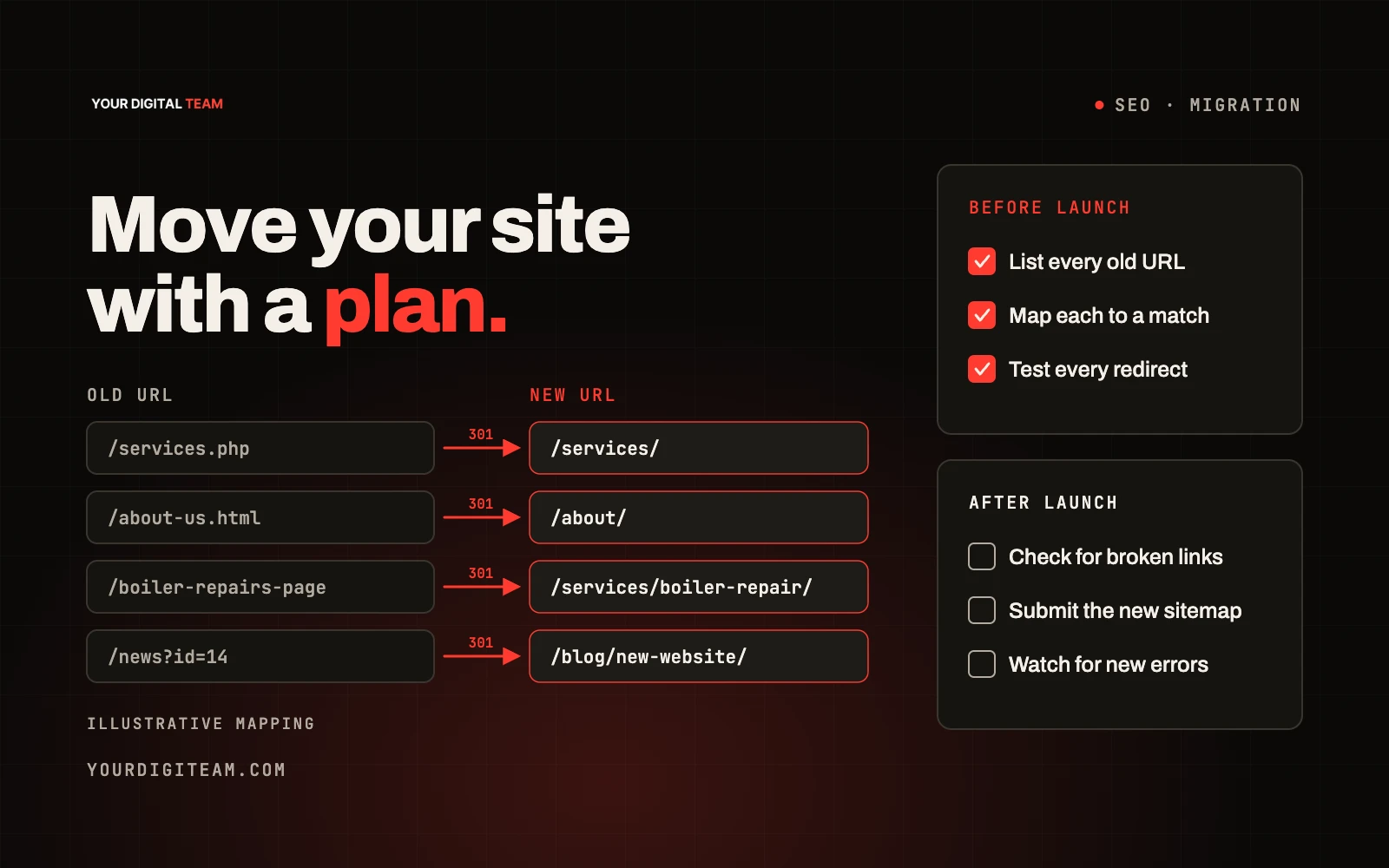
- Redirects in place from any old URLs (if replacing a site)
- Analytics installed and recording visits
- Accessibility checks completed against the agreed target
- Logins and documentation handed over
11. After launch Content updates by: [Us / supplier] Security updates and backups by: [Us / supplier / platform] Support wanted: [None / ad hoc / monthly]
Common mistakes to avoid
- Listing features instead of outcomes. "A slider on the homepage" is a solution. "Show recent projects quickly" is the need.
- Leaving content to the end. If you are writing the copy, schedule it before design starts.
- Vague sign-off. "When we're happy" is not an acceptance criterion.
- Forgetting the old site. If you are replacing a website, existing pages may already bring in visitors from search. The brief should say that old URLs must be redirected. Our redesign guide covers when a rebuild makes sense.
Frequently asked questions
How long should a website brief be? Long enough to answer the ten sections above. For most small businesses that is two to four pages. A longer brief is not a better brief.
Should I include a budget? Yes, as a range. It lets suppliers propose something realistic rather than guessing and pitching high or low.
What if I don't know which platform I need? Say so and describe what you need the site to do. A good builder will recommend a platform and explain the trade-offs.
Who should own the domain name? Your business. Ask for it to be registered with your business as the registrant, even if the supplier manages the technical settings.
Next step
If you would like a second pair of eyes on your brief before you send it out, or you want us to quote against it, get in touch. You can also see how we approach web development projects.
Sources
- W3C — Web Content Accessibility Guidelines (WCAG) 2.2
- Google Search Central — SEO Starter Guide